Audio Routing & Metronome
Audio Device
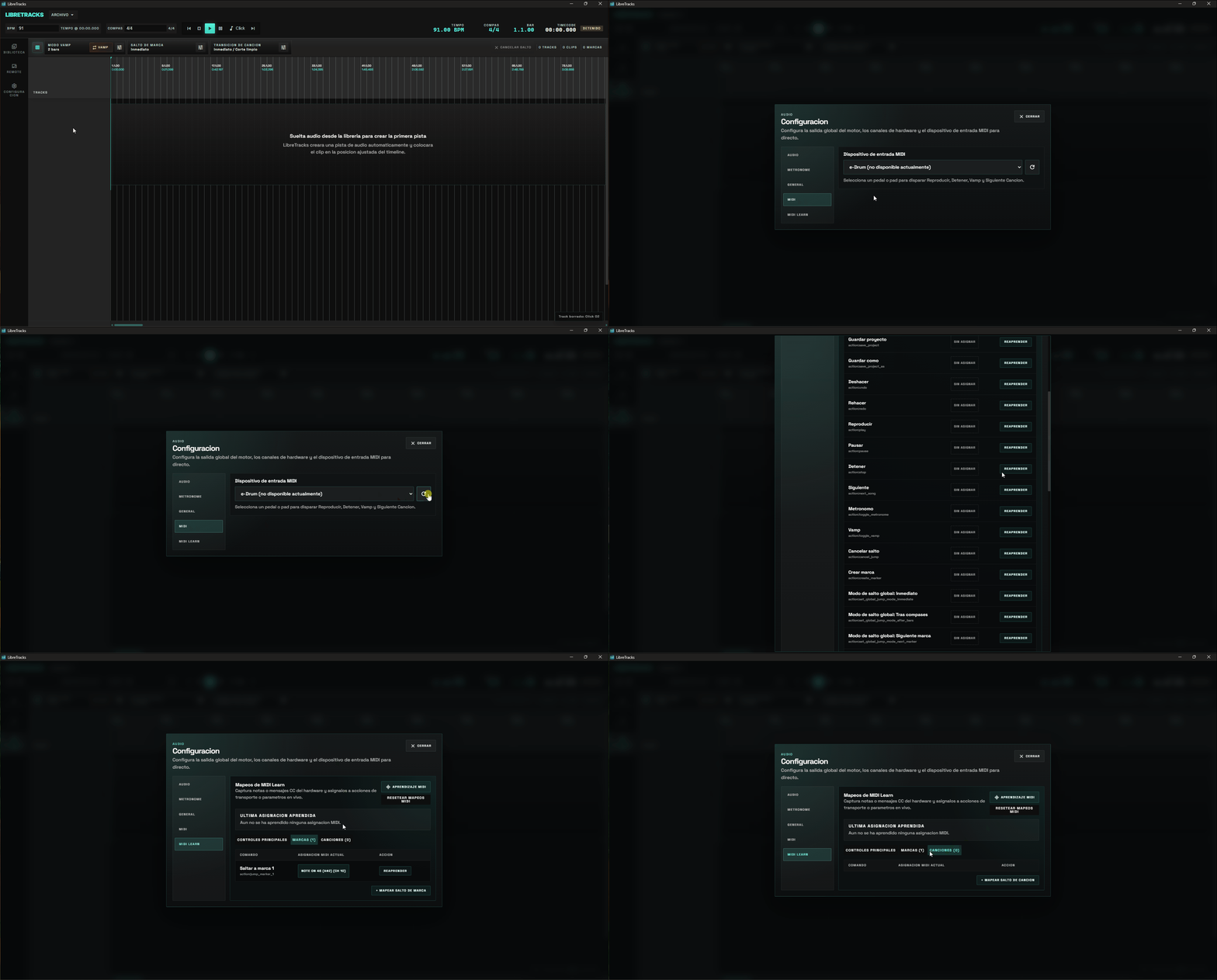
Section titled “Audio Device”Open Settings, choose the correct Audio device, and verify the output before rehearsal and before the show. System Default follows the operating system output, but a dedicated interface is usually safer for live use.
The audio settings page can also refresh the detected device list and lets you choose an explicit output sample rate or leave it on Auto, plus adjust the playback buffer size when you need a safer or tighter response.
Hardware Outputs
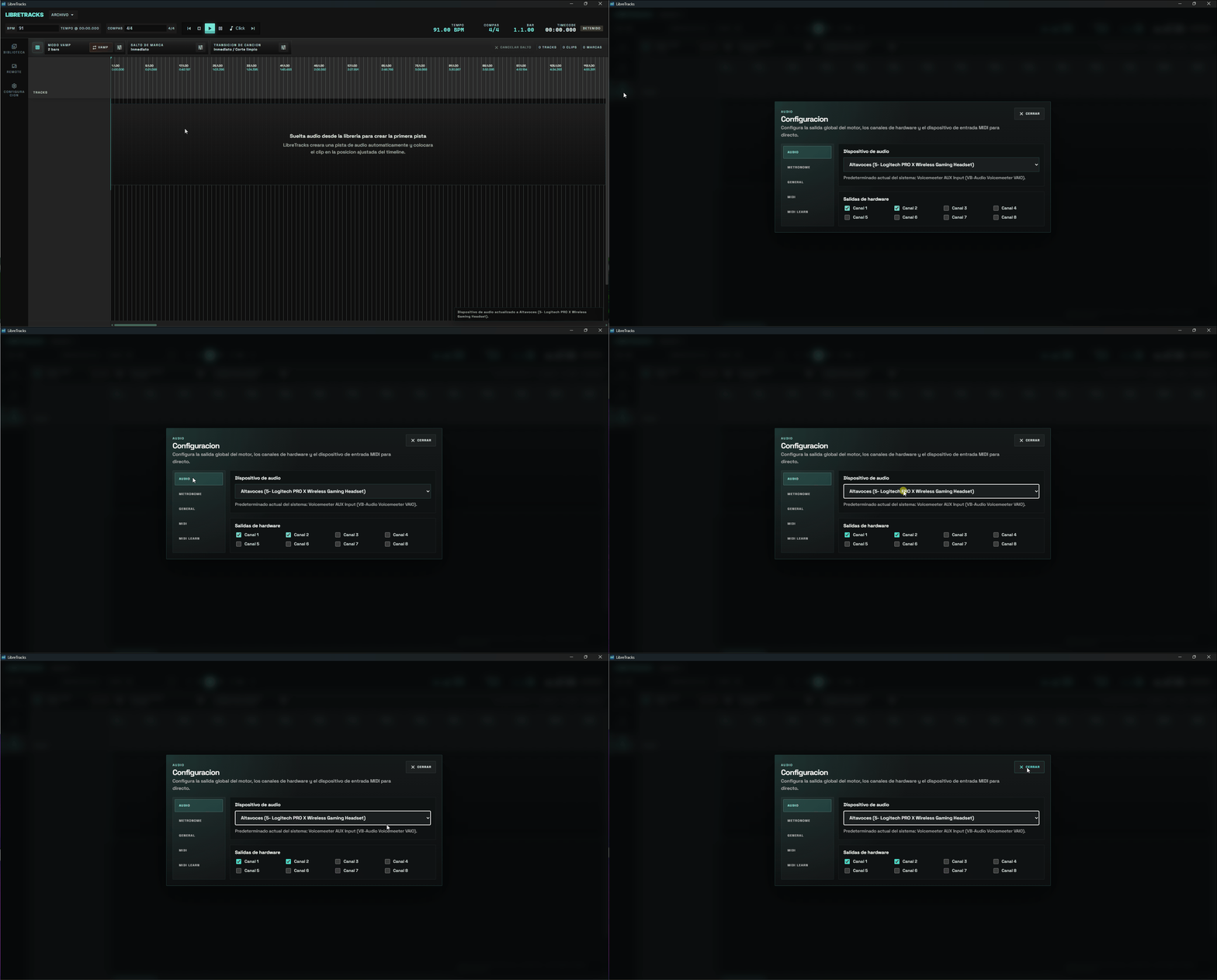
Section titled “Hardware Outputs”Enable the physical outputs you want to use in Settings > Audio. The checkbox grid shows every channel the driver actually exposes — two for typical stereo interfaces, eight for an ASIO MOTU, thirty‑two for a Behringer X32 over USB, and so on — instead of a fixed list.
Channel changes use an explicit Apply / Discard flow: ticks update the draft selection locally and the audio device only reopens when you press Apply. This avoids reopening the device (which can take several seconds on ASIO drivers) once per click when you are configuring many channels at the same time. Discard reverts the draft to the active selection.
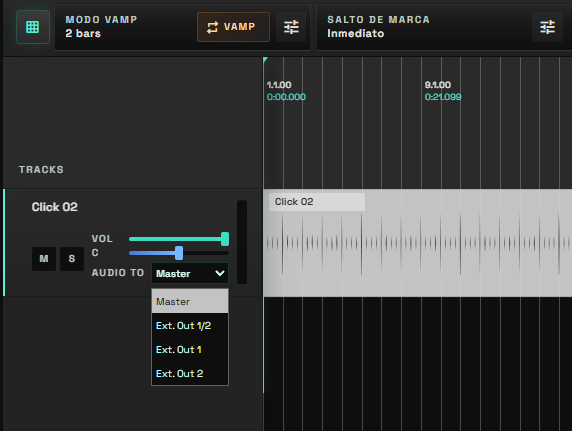
Track headers can then route each track to Master or directly to any of the enabled mono/stereo Ext. Out destinations.
Child tracks inside a folder can also use Inherited (Folder). In that mode, the child follows the folder output automatically, so you can move a whole click or guide group between buses by changing the folder once.
When you add or move a track into a folder, LibreTracks now sets that track route to Inherited (Folder) automatically. After that, you can still change the track route manually at any time.
Typical routing:
- Playback stems to
Master. - Click, count-ins, spoken cues, or guide tracks to an external cue output.
- Cue outputs kept independent from the Master fader.
- Folder bus on an external output, with child tracks left on
Inherited (Folder)for faster setup.
Routing Strings
Section titled “Routing Strings”Internally, tracks store their destination in audioTo.
masterandmainroute to the main stereo pair.monitorroutes to channels 2-3 when at least four hardware channels are available, otherwise it falls back to the main pair.ext:0routes to physical channel 0.ext:2-3routes to a stereo physical pair using zero-based external indexes.
Metronome
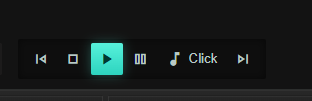
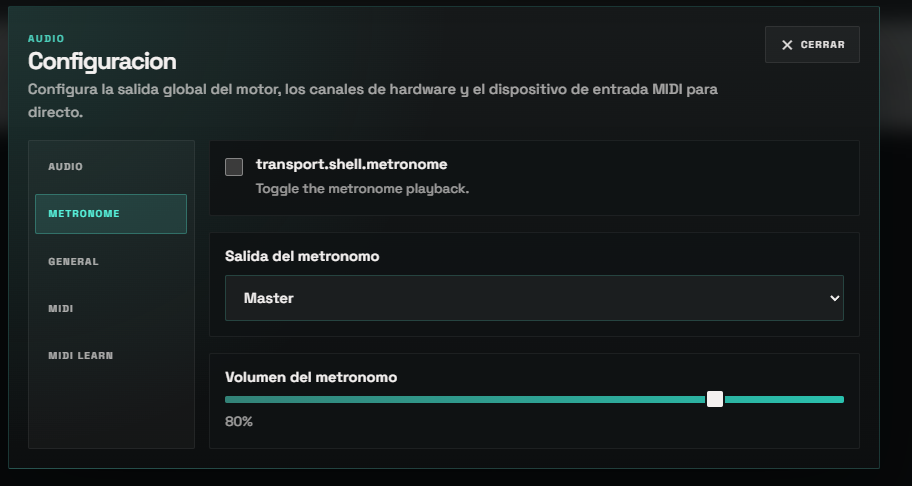
Section titled “Metronome”LibreTracks includes a built-in metronome, so a separate click audio file is not required. Enable Metronome from the top bar, then choose the metronome output and volume in settings.
MIDI Hardware
Section titled “MIDI Hardware”Choose a MIDI input device in Settings. Use Refresh MIDI devices if the controller was connected after the app opened.
MIDI Learn maps notes or CC messages to live controls such as Play, Stop, Vamp, marker jump modes, song jump triggers, song transition mode, region selection, transpose actions, and bar-count controls.